
How does "Watch Page" work?
The Watch Page at webinar event has only a few options that you can edit normally.
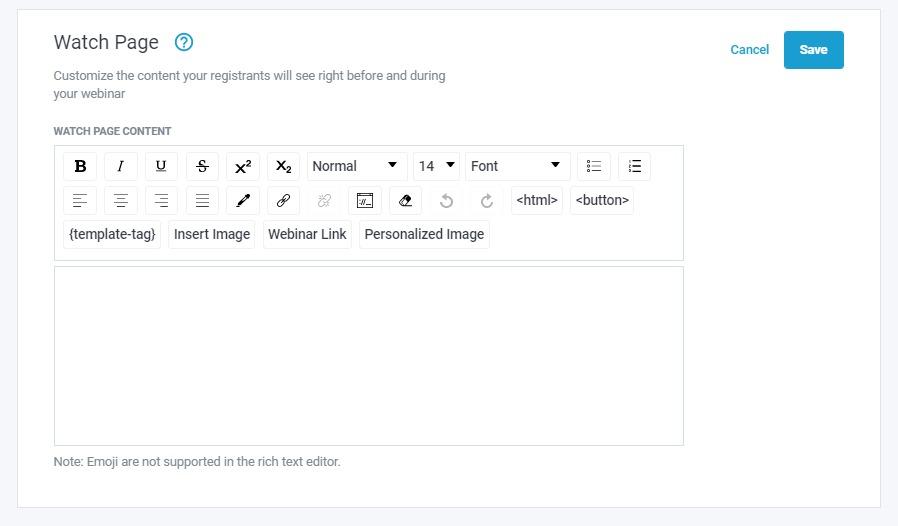
Linked images, notes, or "permanent Call to Actions" at sidebar for the entire event, (or at other tabs, (depending on your watchpage template) are available to setup easily..
To access this, go to your webinar editor, then Customize & edit to add at field (as shown below)

Important to Note: When a client chooses to view the event in a Fullscreen window, any added options will not be presently viewable. Only Call to Actions will show in a fullscreen view.
If you're looking for the Preroll video for watchpage (Splashscreen of desktop) image,
that is shown how to edit or setup > HERE