
How do I preview countdown page?
Clients are taken to countdown page from email reminder links that are sent. It will automatically roll into webinar event's splashscreen 30 seconds before event begins.
Countdown page is setup in a similar way to thank you for registering page, but also separately at the react based event, so you can track it separately if you like.
To see our countdown page preview, go to your event editor, then click on "Customize".
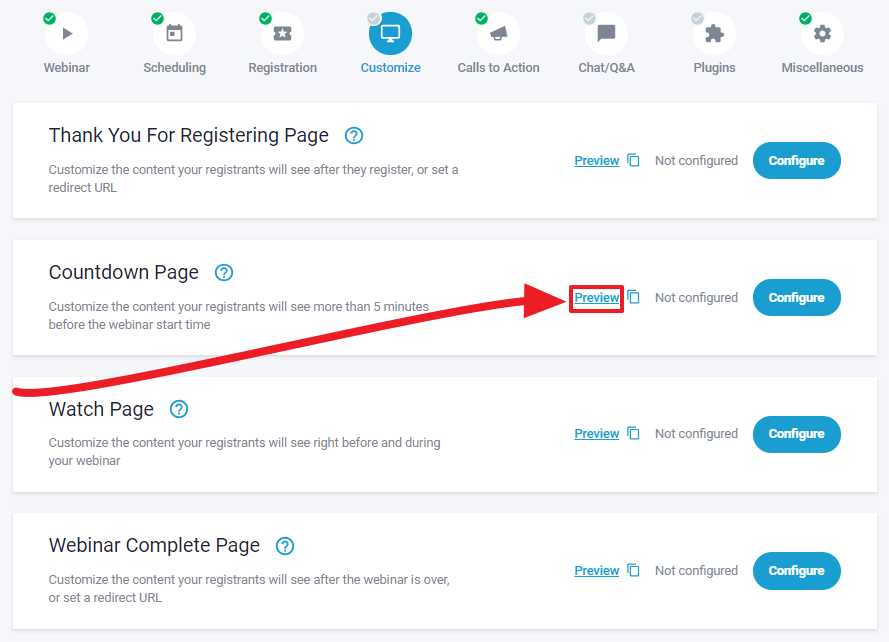
Note: Previews of page customizations are only intended for cosmetic & content purposes, working items such as countdown and links to the webinar event are not setup.
You would need to test register for those items as explained at the following link > HERE