
How Do I Cancel My Account?
If you no longer want to use StealthSeminar, you can cancel your subscription from the User Billing area of your account.
If you would prefer to take a temporary break, you may be able to pause your account instead.
Cancel your account
- Log in to your StealthSeminar account.
- In the left panel, click Settings > Billing.

- On the Billing page, click Cancel My Account on the left-hand side.
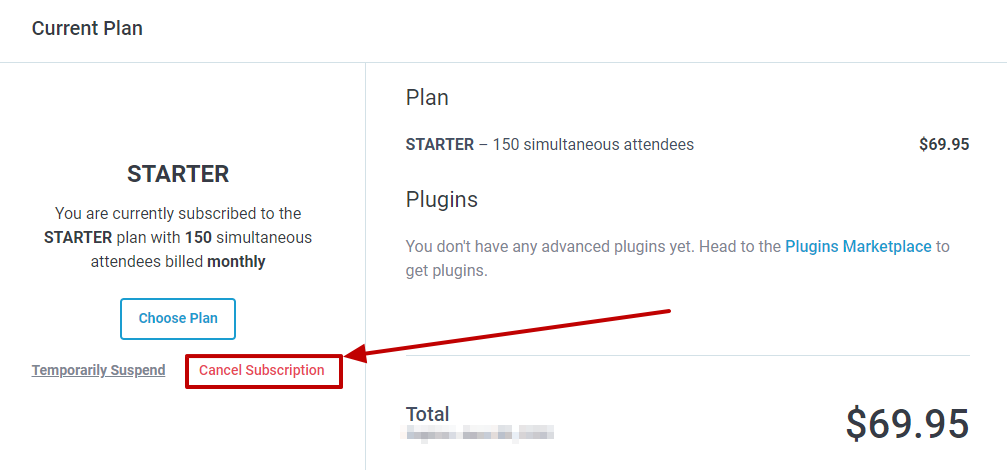
- Review the cancellation information, then scroll to the bottom of the page.
- Click I still want to cancel my account.
- Select a reason for cancelling from the survey, then click Next.
- If you are shown an additional offer or confirmation window, click No, Thanks to continue with the cancellation.
- Enter any additional feedback you would like to share, then click Next.
- Review the final confirmation carefully.
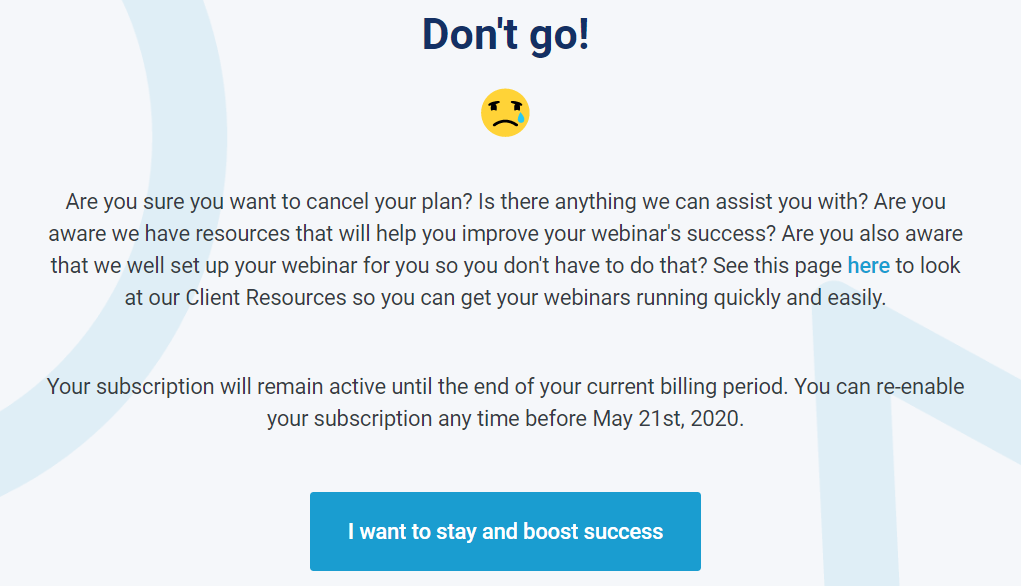
9. You will be prompted to confirm one last time, check I acknowledge that after my current billing period ends, my webinars will no longer run and my account will be deleted. and click on Cancel Subscription
After you cancel
Your subscription remains active until the end of your current billing period. Once that period ends:
- Your webinars will no longer run.
- Your StealthSeminar account will be deleted.
- You will no longer be able to access the account.
Who can cancel an account?
For privacy and security reasons, only the account holder can cancel a StealthSeminar account.
If you need help cancelling your account, contact our support team.