
How does Q&A work?
Q&A (Questions and Answers) is an audience interaction you can choose to setup at any type of webinar event, it will provide a message box clients can type into & send an email to you when viewing their webinar event. We recommend setting this up at our On Demand type webinar events.
Its setup from Webinar section > Advanced Webinar when editing (as shown below)


When your attendees send a message it will go to the account email that you've used to logon Stealthseminar with (by default), to change that to some different email go to your Chat/Q&A section when editing (as shown below) dont forget to Save your changes there.
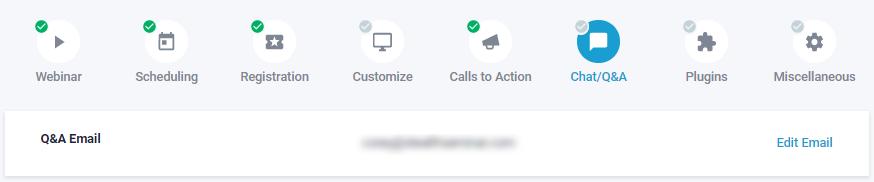
Messages you've received that designated email will be linked backed here to reply to, or you can with info. at your email, either way. If at your email you would want to make sure to check at this end routinely to mark any replied to, or as mentioned above reply from Stealthseminar.
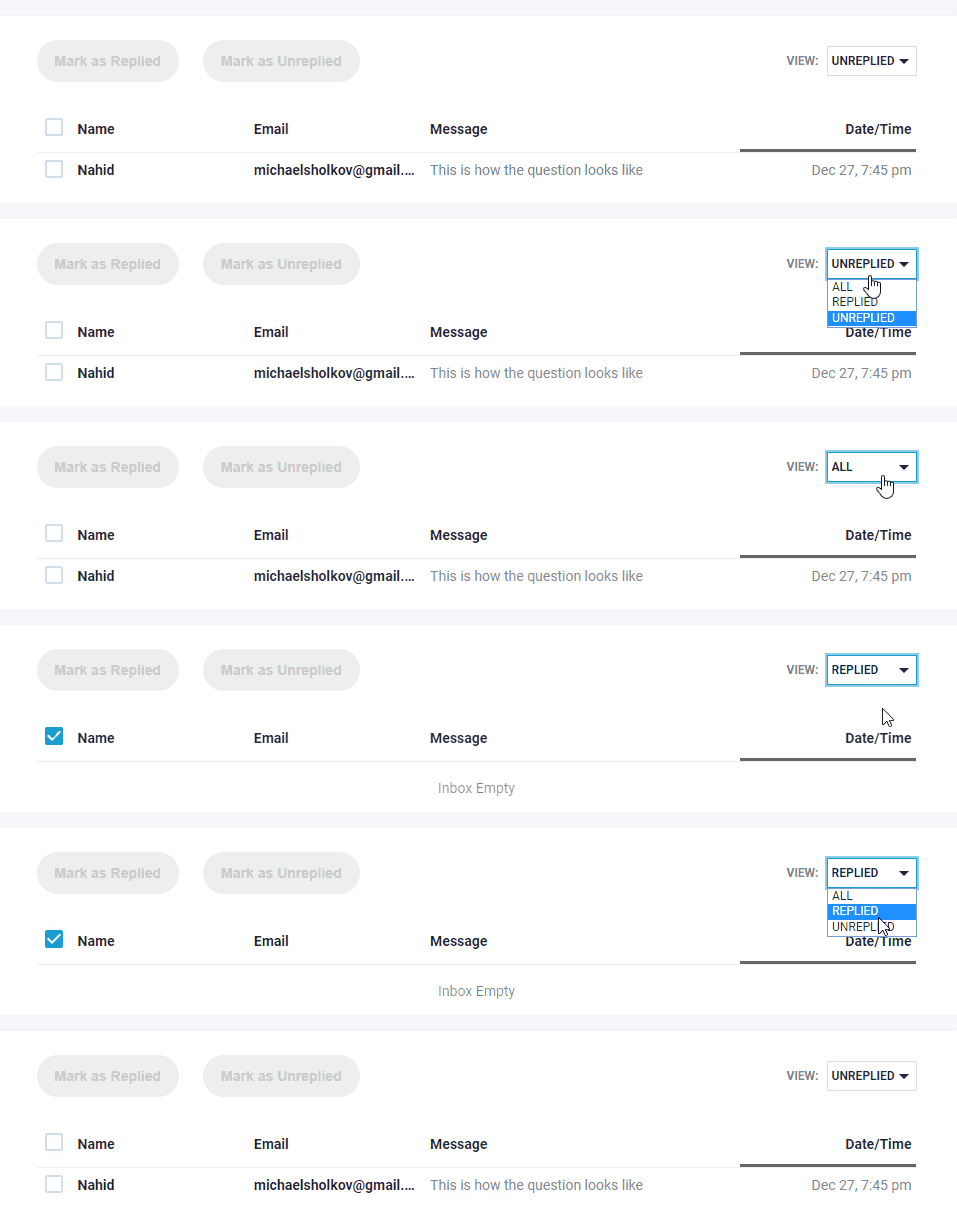
Messages can be filtered by whether or not they have been replied to, and can be sorted by date/time, name and email address. Messages can also be selected and marked as unreplied/replied.
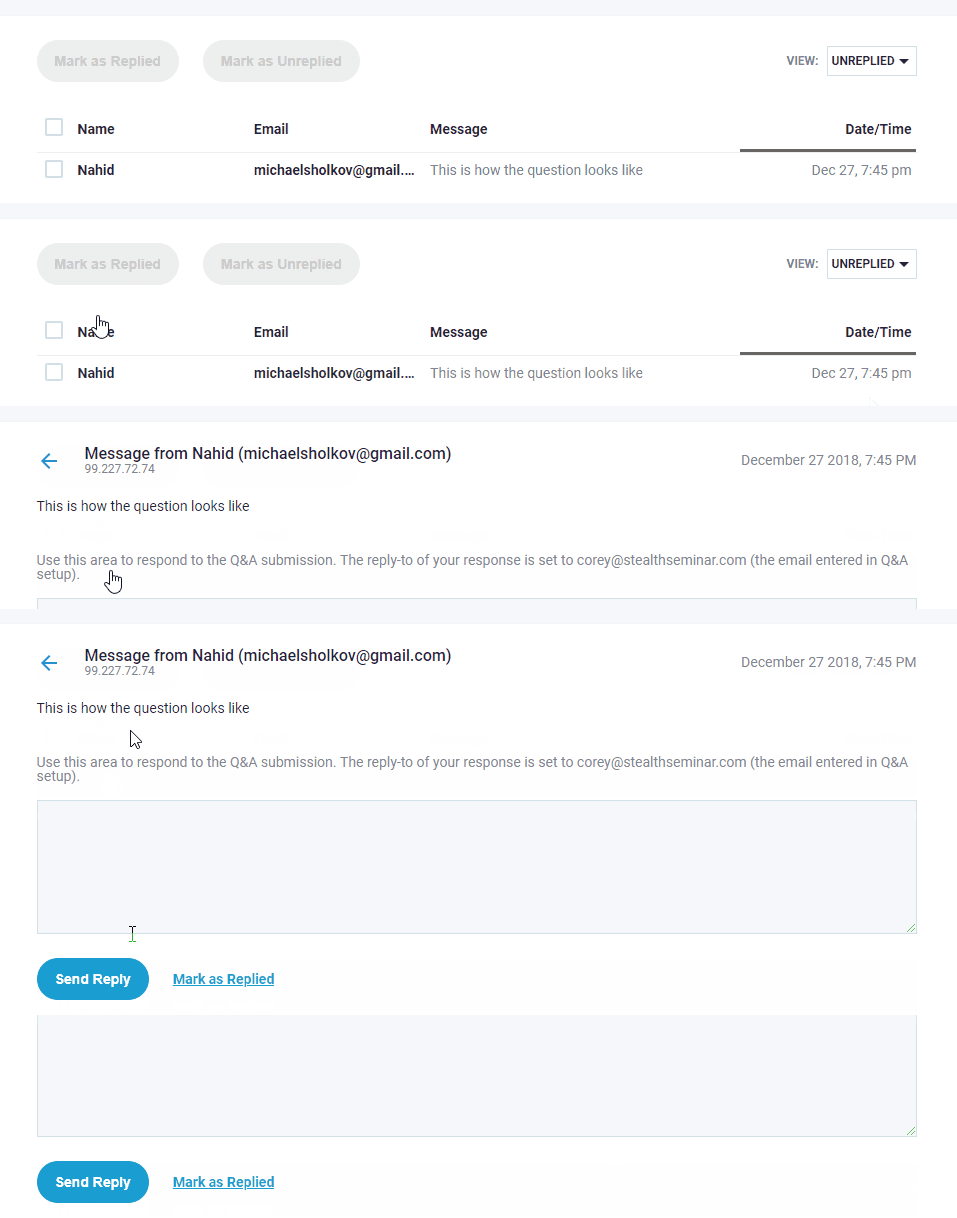
To reply from Stealthseminar: when viewing a single submission, a text box will be made available to do that (as shown below)
If you have have any other questions on how our Q&A operates, please let us know at the chatbox,
Related Articles: