
Where do I find statistics for my event?
You can find your stats from My Webinars for the individual webinar event by clicking on the (...) icon beside "Edit" in "My Webinars" or clicking on "View Stats" in the quick stats section.
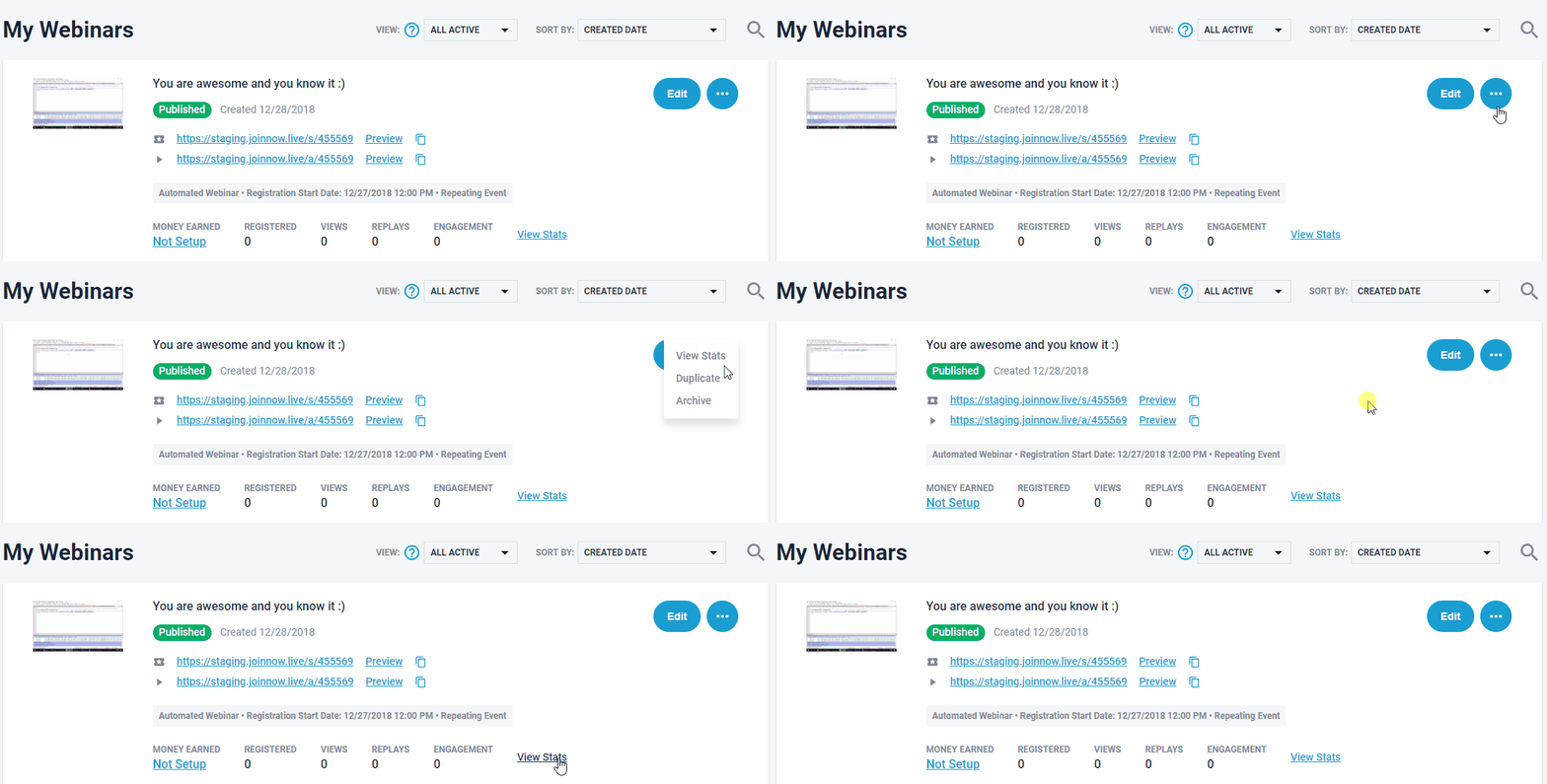
Quick tip: if you're looking for registant's details within your webinar event, scroll to the bottom of following stats. page & click SHOW,
Wait for your registrants details to download link there. (as shown below) or from sorted info. at pulldown tabs (as shown below)


Related Articles:
How to convert more webinar leads and sales with the power of the StealthSeminar statistics