
Do I need a webinar video to get started?
While its is recommended to have your video ready (as many other event settings will be associated to webinar video) its not required to;
Our system automatically added a placeholder/sample video for you. That means you can create your event, customize everything and then upload your own video. You can also replace your video anytime you want.
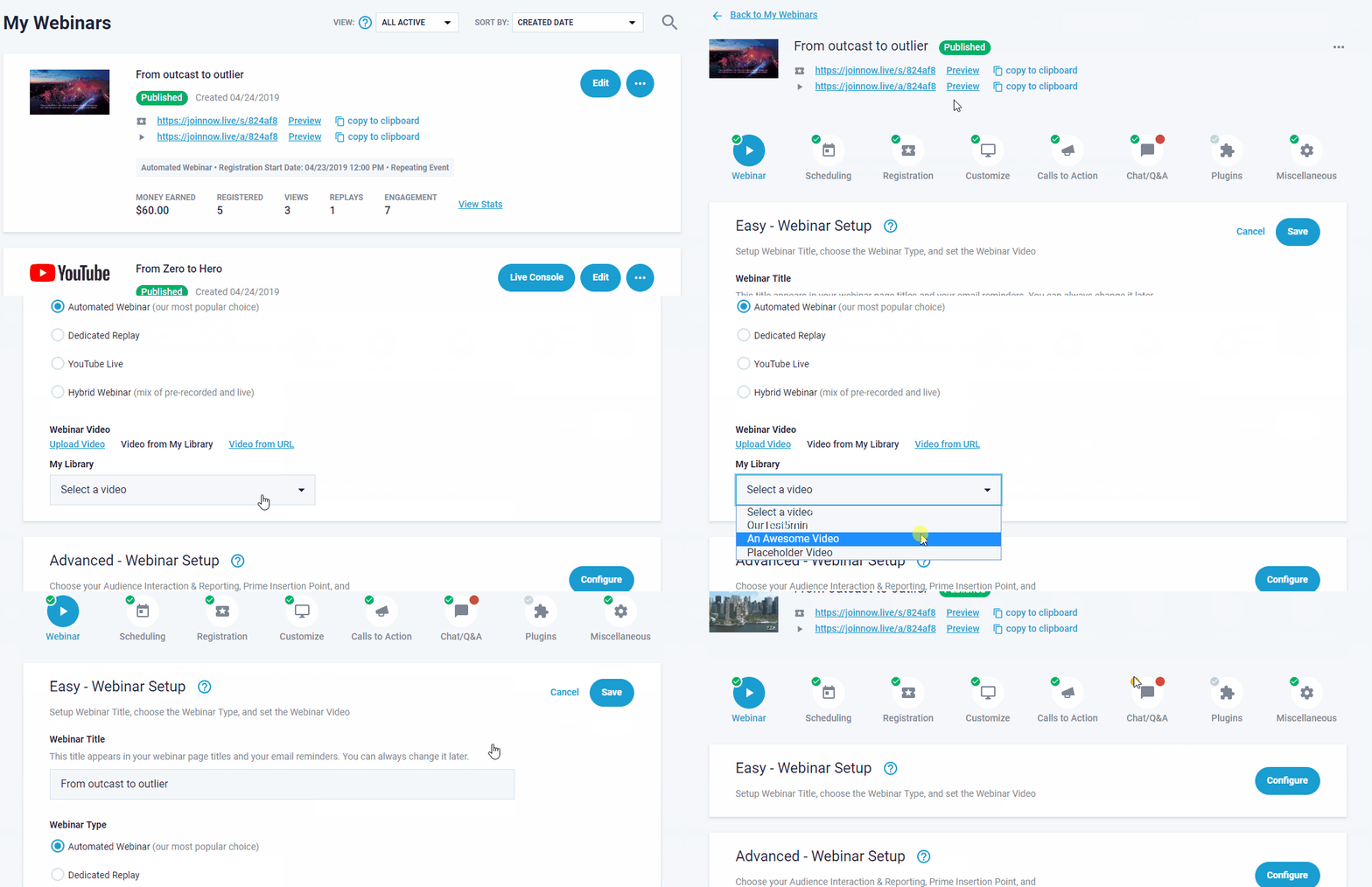
How you change or switch your webinar video from the sample provide shown below, its directly at Webinar section when first editing the indiviudual webinar event, do not forget to Save!
Please note: You can only change your webinar video 5 minutes until webinar time.

Related Articles:
Can I change my webinar video without starting a new event? (switch video)