
How to answer questions live via chat on an automated webinar
Its possible to answer questions in an automated chat, Would you like to have your staff be able to answer questions live via chat? If so, here is how.
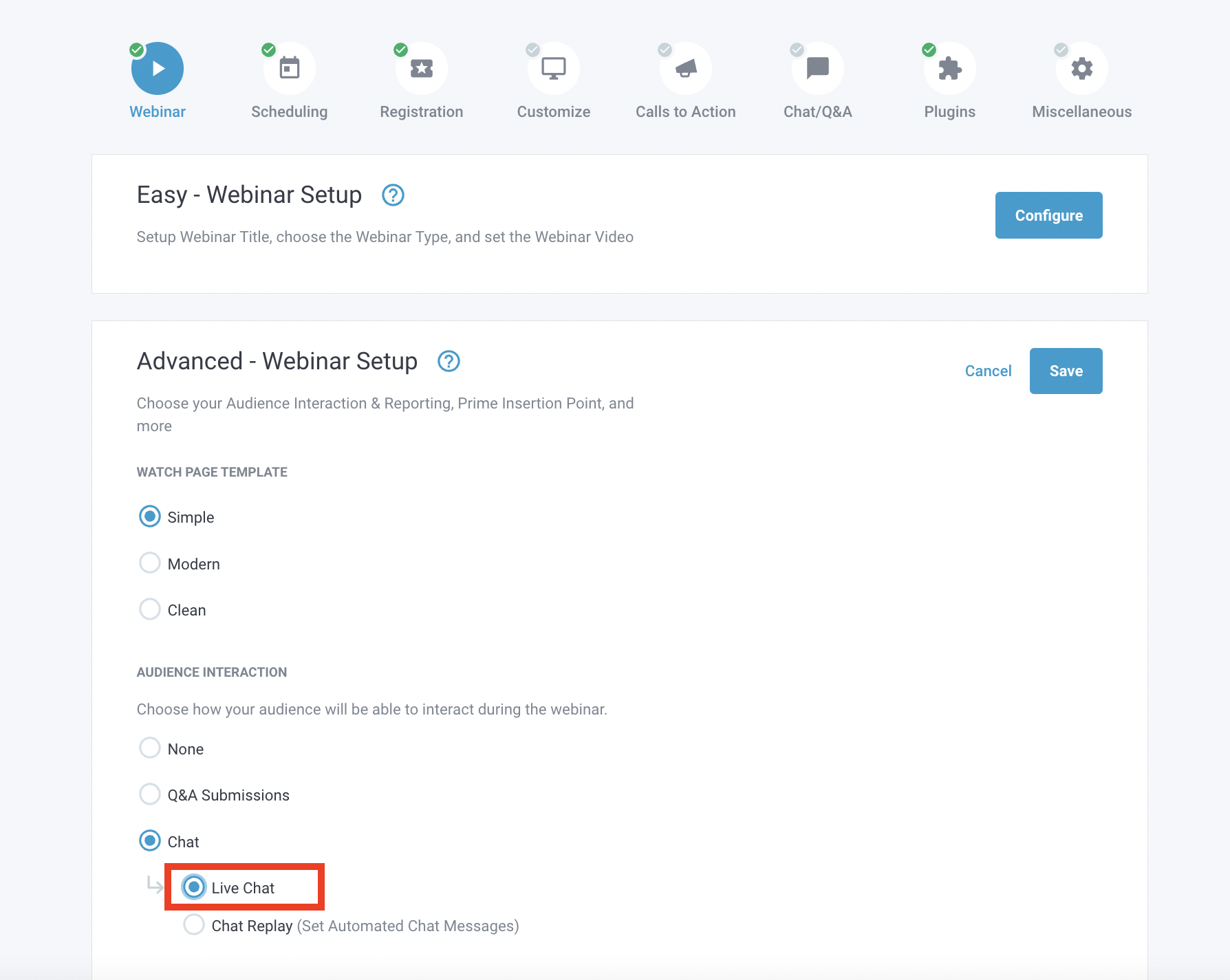
To enable Live chat, go to your webinar editor, then find the Webinar > Advanced webinar section (as shown below) We still show simulated chat replay messages on live chat if you add them.
Please Note: In most any case when chatting Live, you would have an event schedule setup to support times when you're available, or in your webinar timezone.
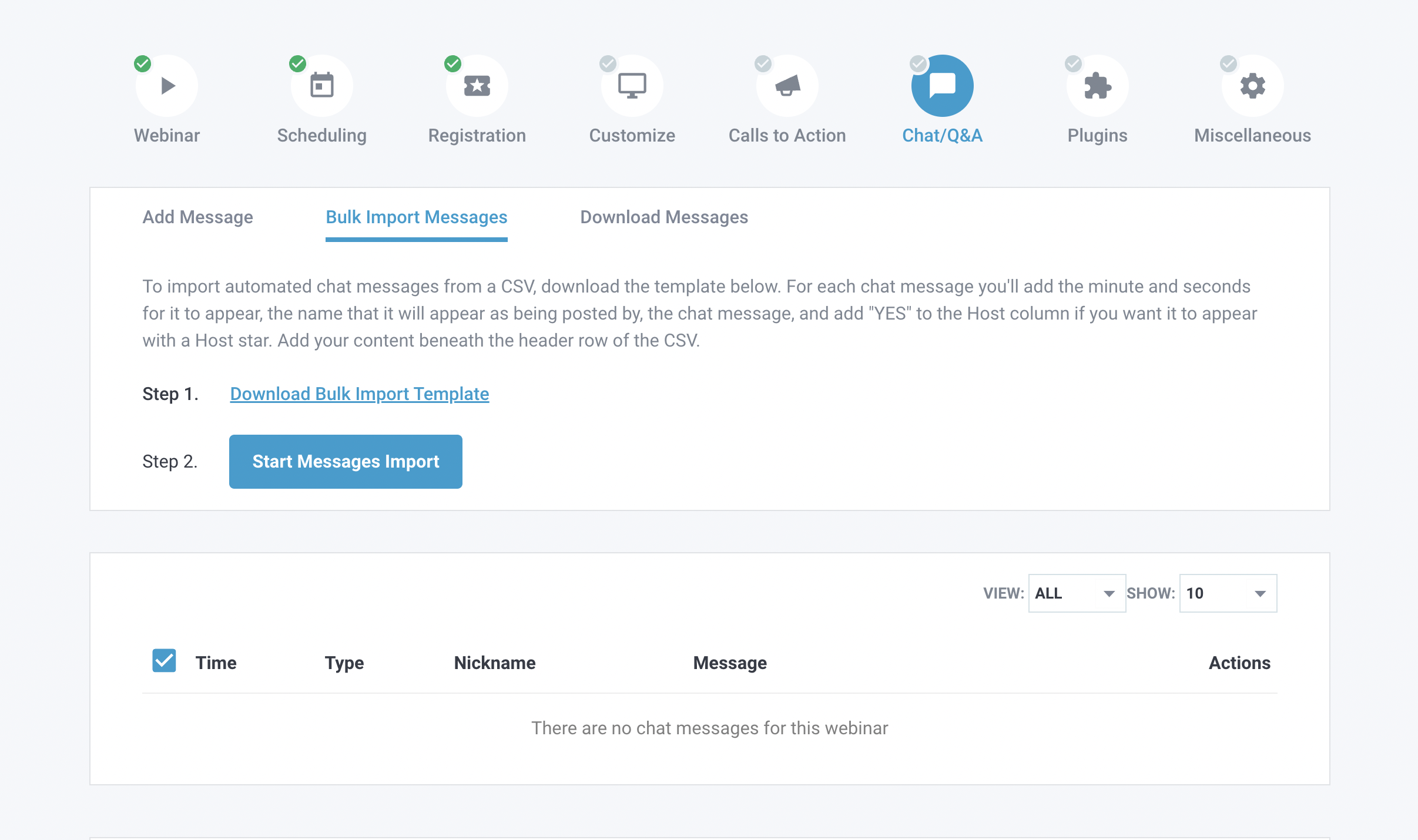
Then in Chat/Q&A menu, Options to chat directly at event's watchpage with you're Host Name, or preload, or Bulk Import the chats as shown below. either method is available.
In order for you or your staff to chat live with the attendees via your automated webinars, you must sign up for the webinar like any other attendee and join it. That is recommended to do with your Host Name, clients would then be notified that you're Host of the event.
If you have any other questions, feel free to find us at the chatbox when logged in!
Related Articles: