
How do I preview webinar complete page?
At end of webinar event's video, attendees are taken by default to Webinar Complete page (unless you have a redirect link setup in Miscellaneous section)
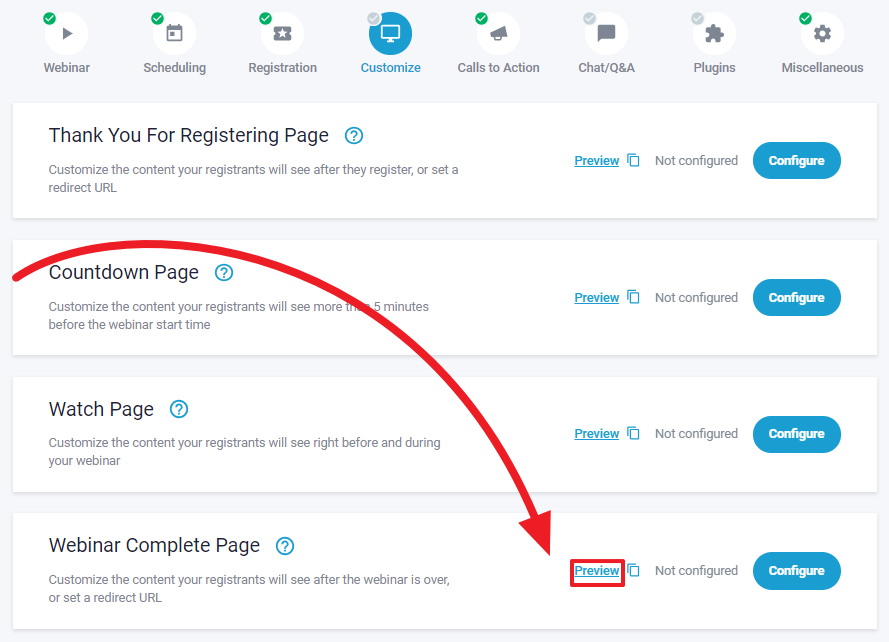
To see our webinar complete page preview, go to your event editor, then click on "Customize" the find down the page (as shown below)
Note: Previews of page customizations are only intended for cosmetic & content purposes, working items such as rediect or tagged call to actions are not available or setup.
You would need to test register for those items as explained at the following link > HERE