
How do I ban a user from live chat?
If you're setting up a Live Webianr event & have Live Chat enabled with it as an Audience Interaction, you can ban a client from chatting in again (as shown) below.
Note: this will not remove any previous comment from the client in a Live setting only prevent them from chatting in again.
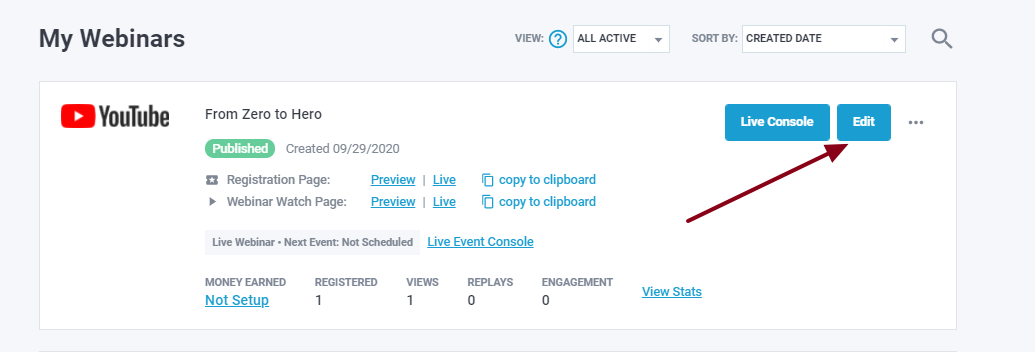
Step 1: Go to your webinar editor either by clicking on the webinar title or Edit button
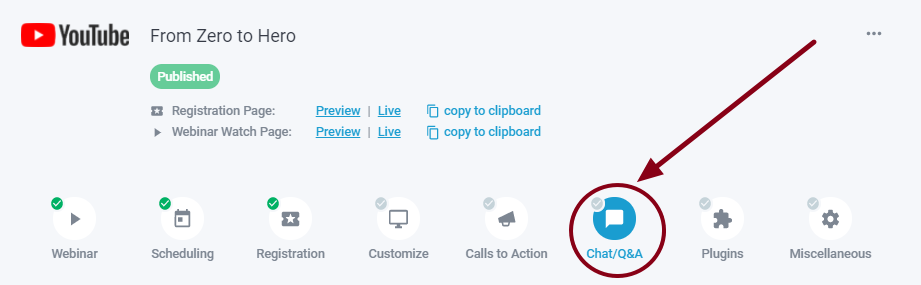
Step 2: Go to Chat/Q&A
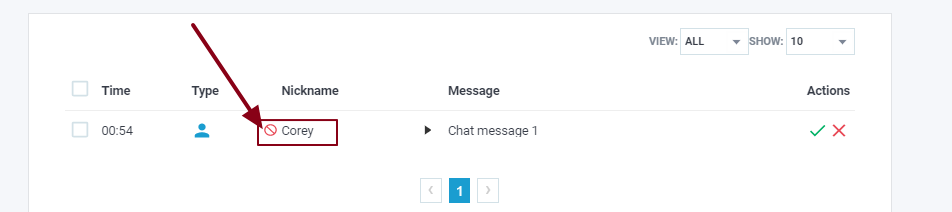
Step 3: Click on the red warning icon to ban the user
If you have any questions do not hesitate to let support know!