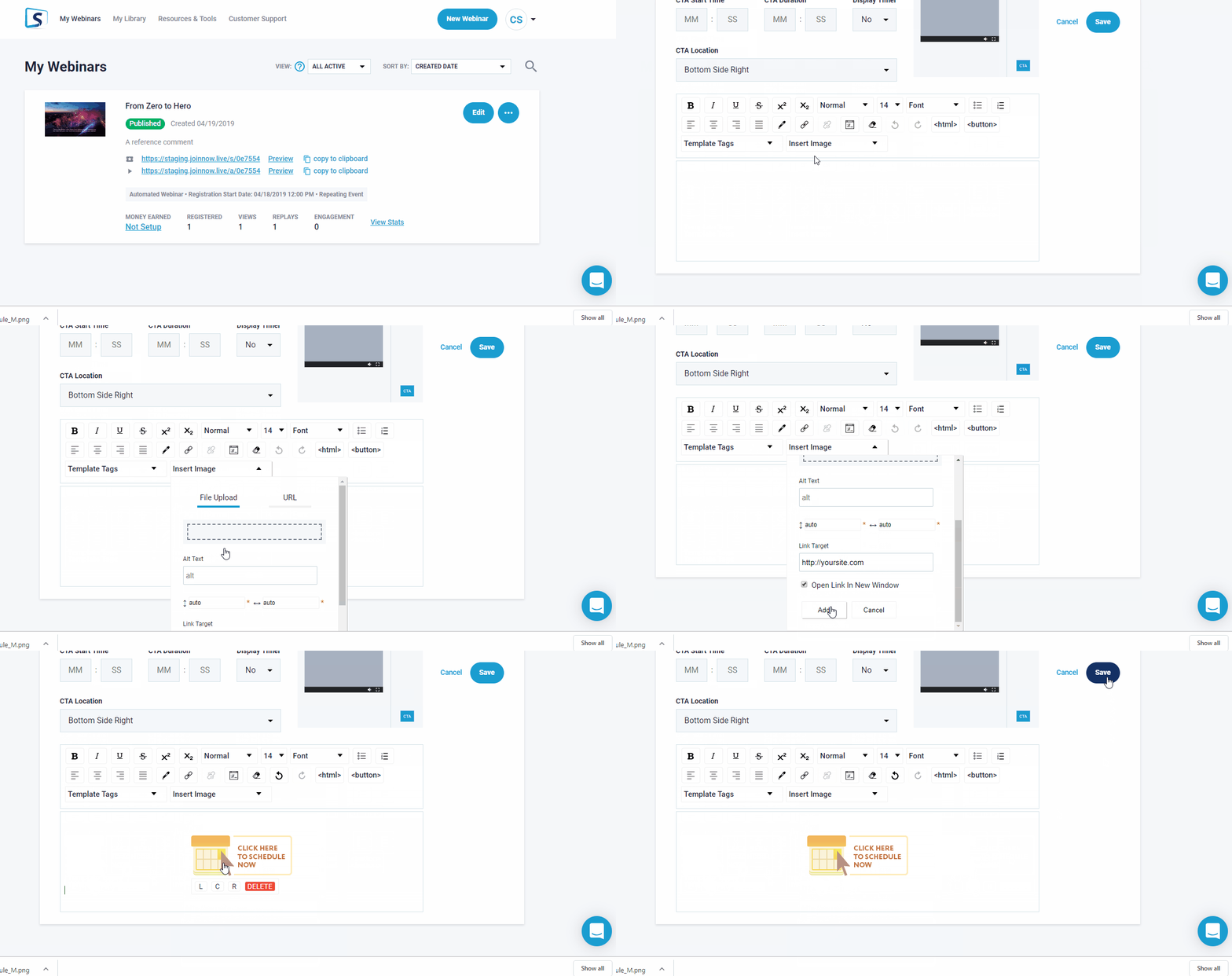
How Do I Add an Image to My Call to Action?
Call to Action addition is explained > HERE
For an Image type button setup you will find when creating in field section (as shown below)
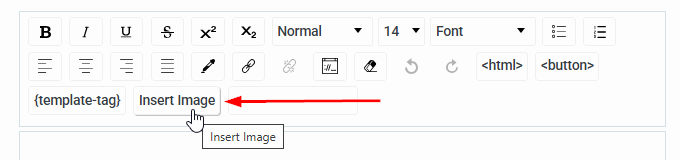
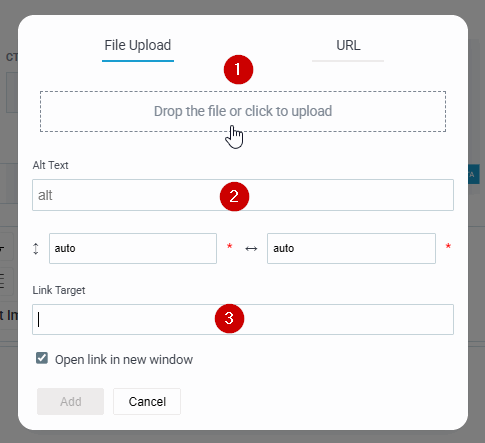
The popup above will be displayed,
- Easiest method is to just click and specify what image button is availabe at your desktop, URL link is possible, though it would need to be a direct image link (ie: jpg/png from your website directly)
- For alternate ext (typically not required or used) leave blank.
- Your complete 3rd party page URL link
Imortant Note: if you need to change button link for some reason in the future, its required to >
Re-insert the image itself as shown above again.
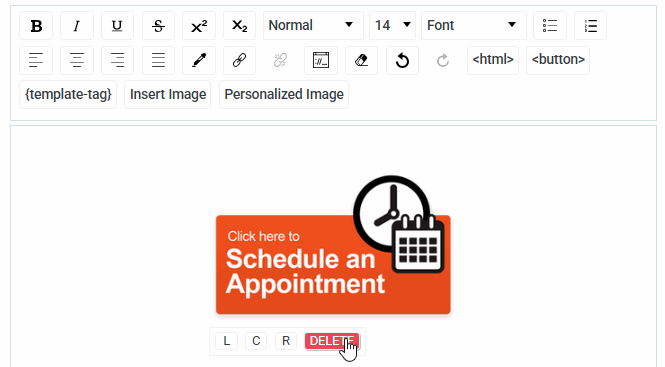
To change CTA position slightly, or Delete the original Button Image link, its shown how to below from LCR or Delete
(entire process)