
How can I add a reference comment?
A reference comment is extremely useful item, when you setup multiple webinar events, or if you're using our registration embed widget at your 3rd party page.
It can be any note (or reference to a page), or even a marketing campaign you've setup to distinguish between events with same title or add a reference for yourself or your team.
Reference comments < do not appear anywhere for webinar viewers (your attendees)
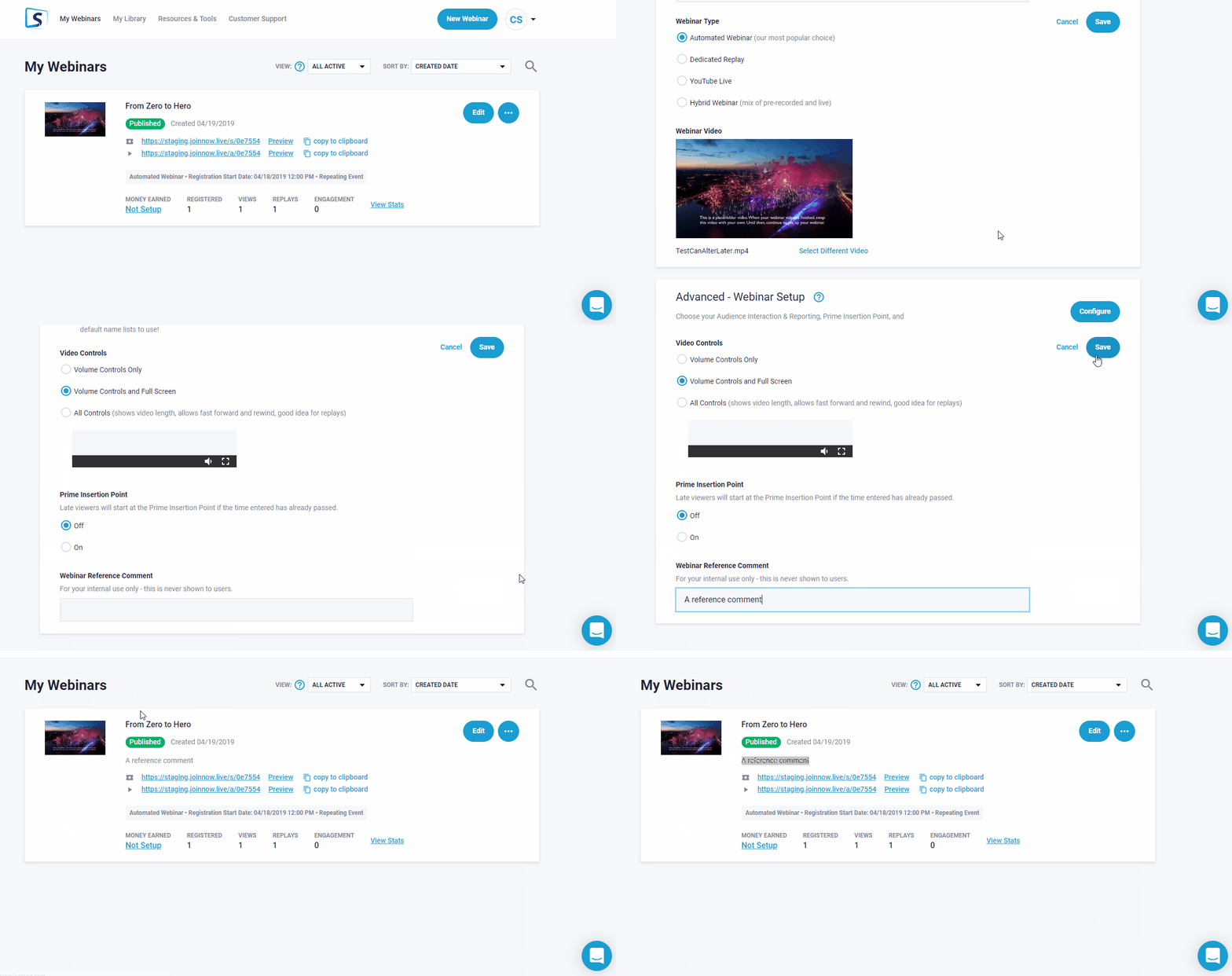
To place a comment, go to to your event editor Webinar and then to Advanced Webinar Setup and scroll down section to it.


Don't forget to Save your changes!
Once complet, you will find (as shown below) at My Webinars main page for specific event.

Related Articles: