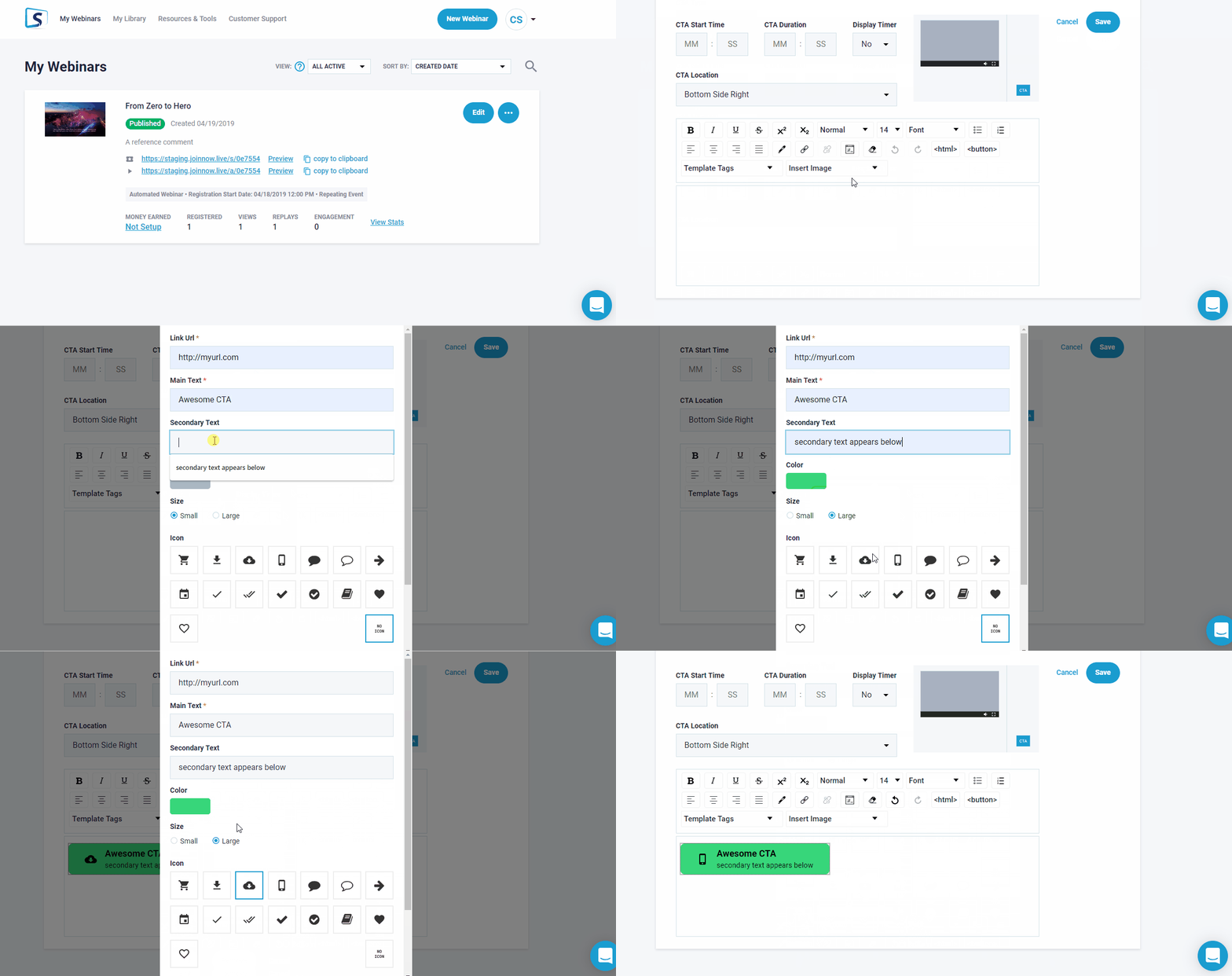
Can I Create a Button for My Call to Action?
Call to Actions are explained how to setup > HERE
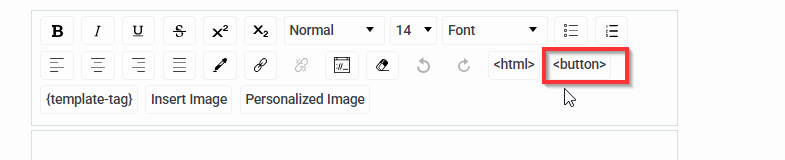
For a Button type setup you will find when creating in field section (as shown below)
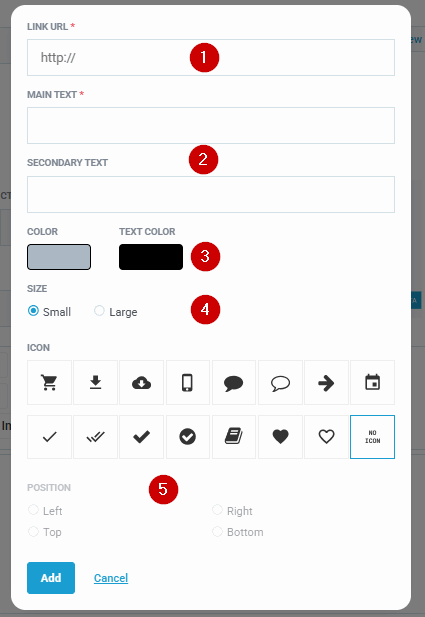
You will see a button wizard, where you can set:
- Link Url: You can set the destination here for your button
- Main text: What the button should say, e.g Buy Now Secondary Text: If you want to add something underneath the main text, e.g $25 - today only
- Color: Set the background color for your button
- Size: Choose between small vs regular
- Icon & Position: You can add an icon to the top/bottom/left/right of Main text
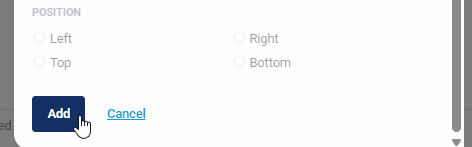
Note: Once you are done you can Scroll Down to add the button.
If you want to change something, you can click on the newly created button, be sure to say EDIT where add button was previously