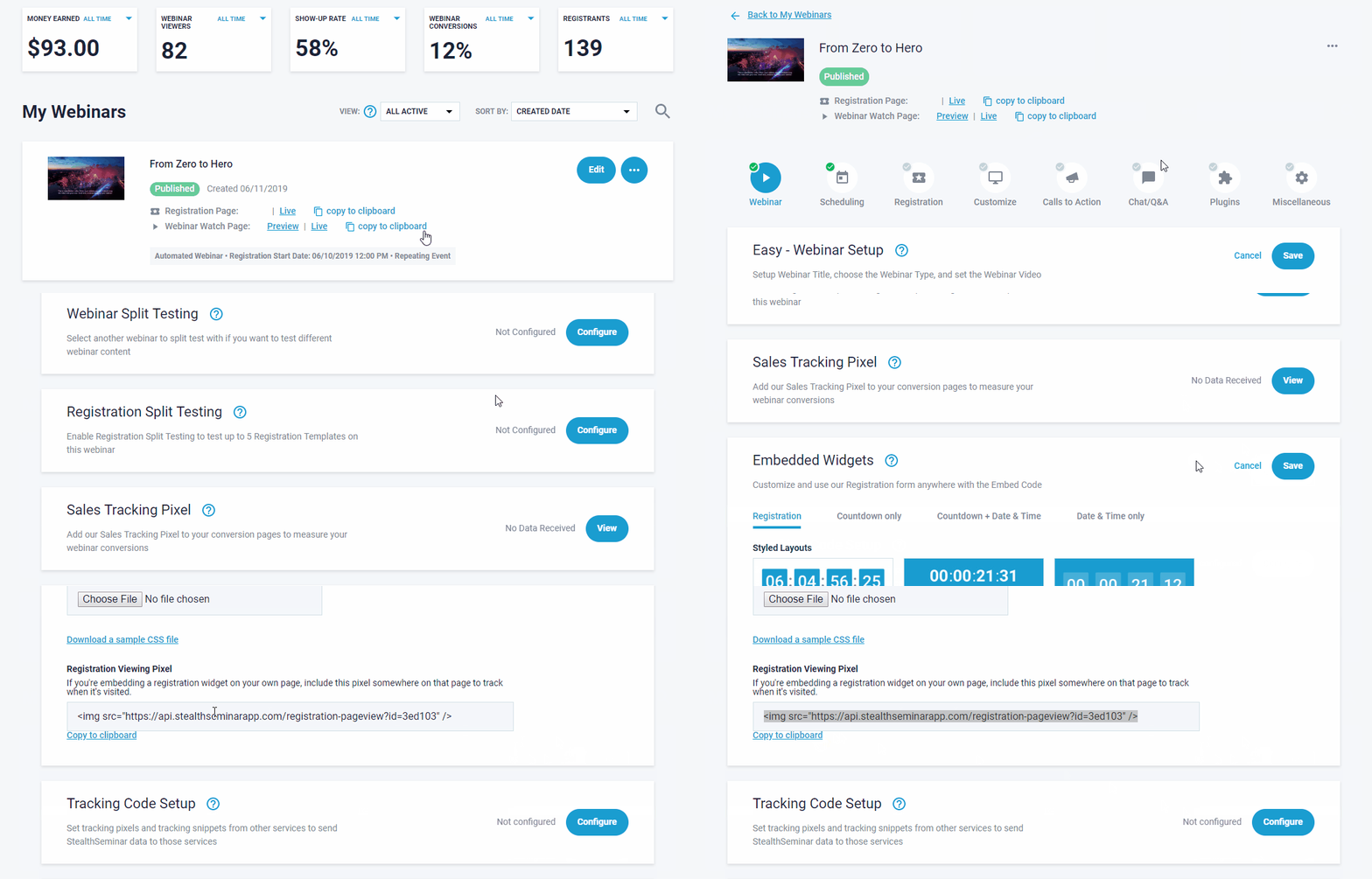
How to Add a Tracking Pixel to an Embedded Registration Widget
When using our registration embed widget, we do not track registration page visits by default,
our view pixel is required at your 3rd party page to set up tracking here. Its available directly down the page from where you copied widget from in Miscellaneous section.
(as shown below)


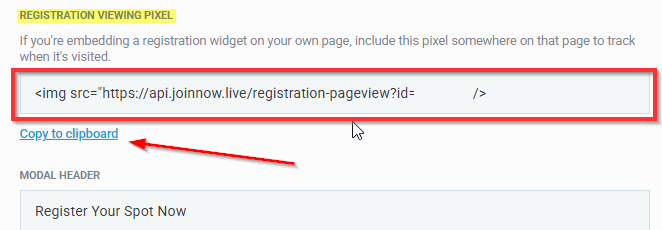
Use Copy to clipboard link there, and paste that individual webinar event pixel anywhere on your website page editors recommend that you place tracking pixel (it can be anywhere on same page as the widget)
Important to Note: if you duplicate a webinar event, a new view pixel and widget will get created at the new webinar event!