How do I duplicate my event?
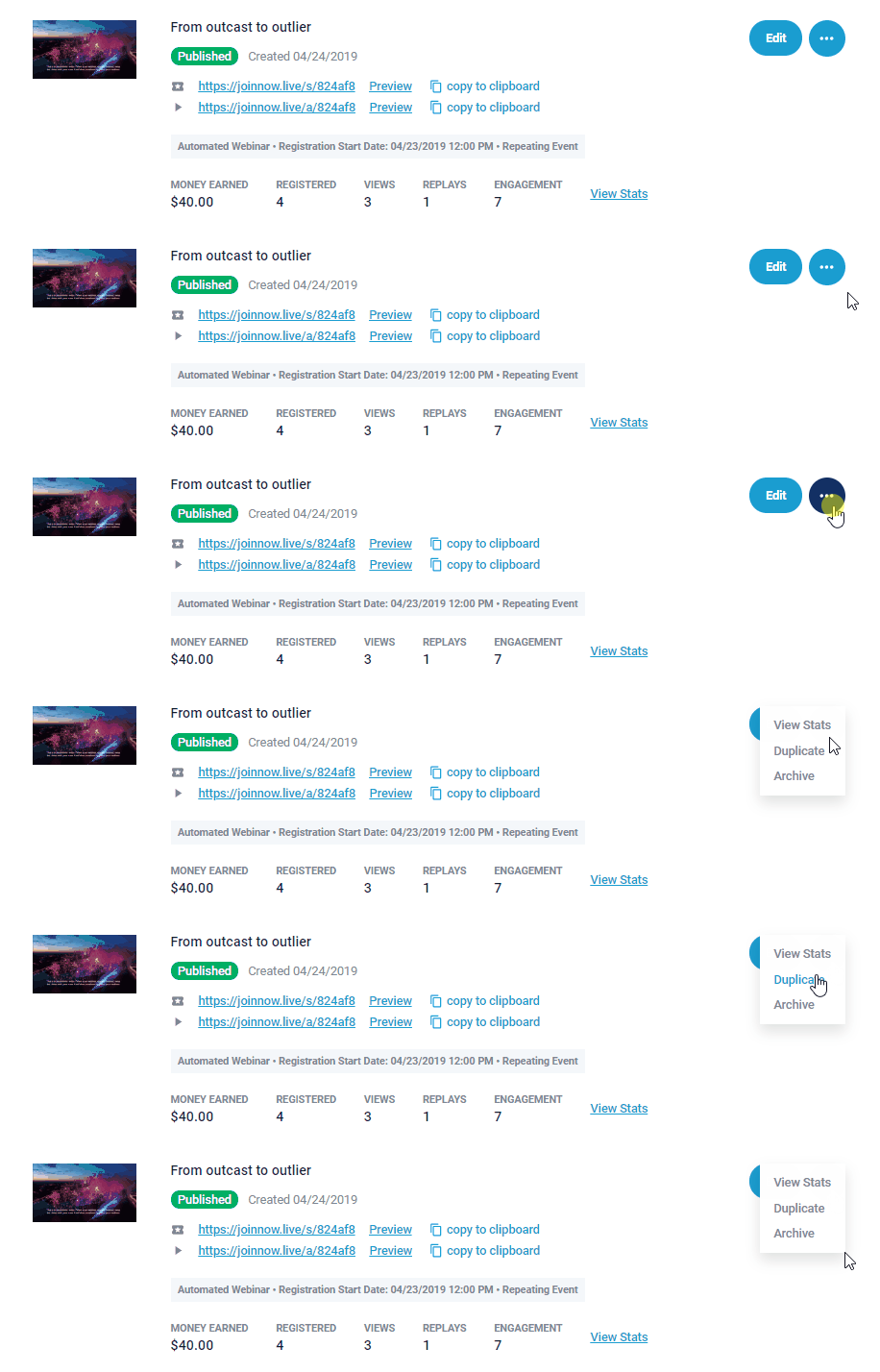
Duplicating you webinar event can be done from (3 dots) shown next to any individual webinar event as shown below, it will place a new duplicated event at Top of my webinars section for you.
(as shown below)

Important to Note:
1. If you are duplicating an event that has custom template, or 3rd party page with our registration embed widget, please let support know so they can help you!
- Duplicated events will have everything including plugin setup, call to action, chat messages etc that the original event had. It will only have a new event id/link.
- Titles of Duplicated Events may require you to shorten the title length at the original webinar event (in order to create the new duplicate) The new duplicate event will attempt to add the word DUPLICATE into title which may not fit!
From the event dashboard - My Webinars